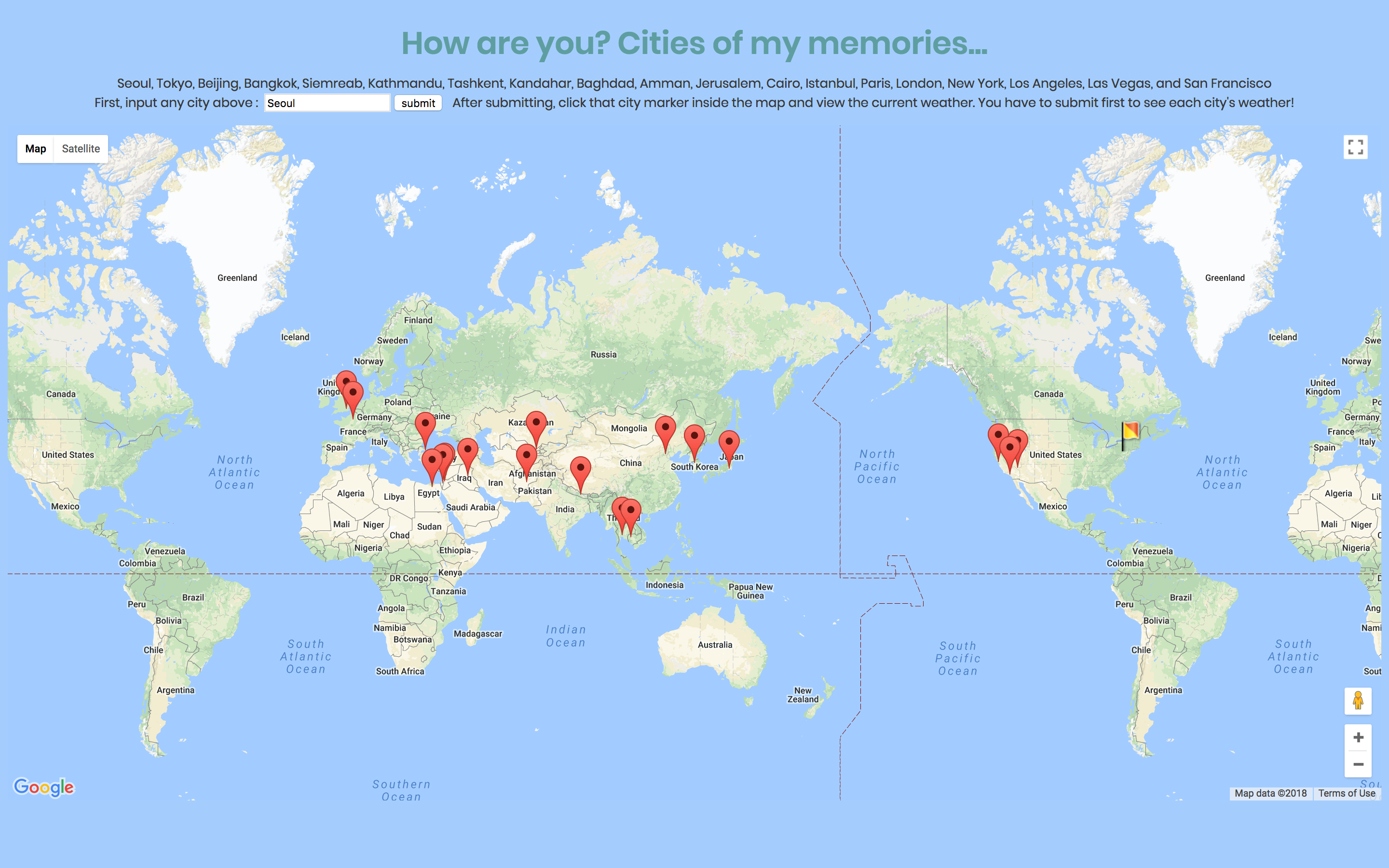
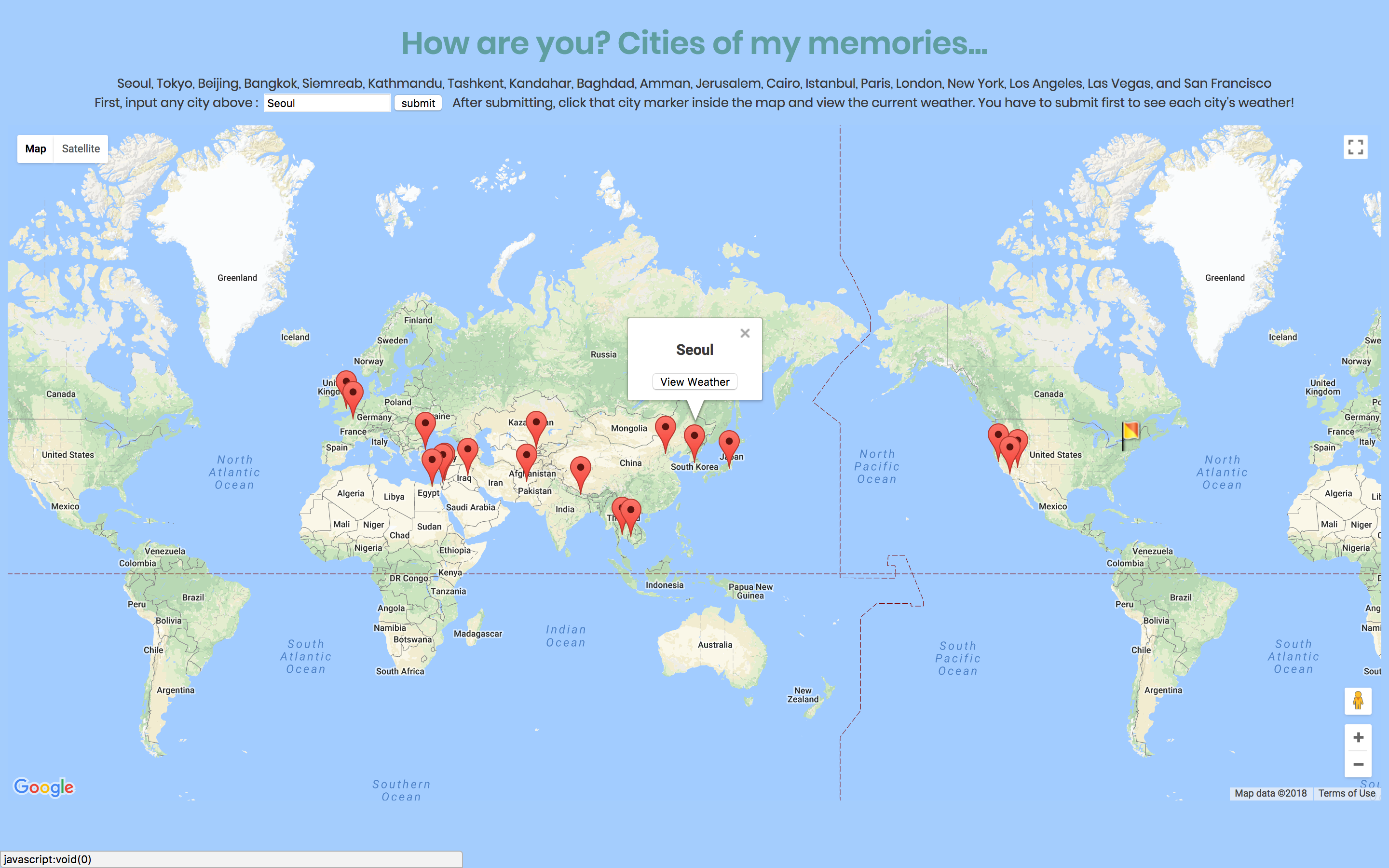
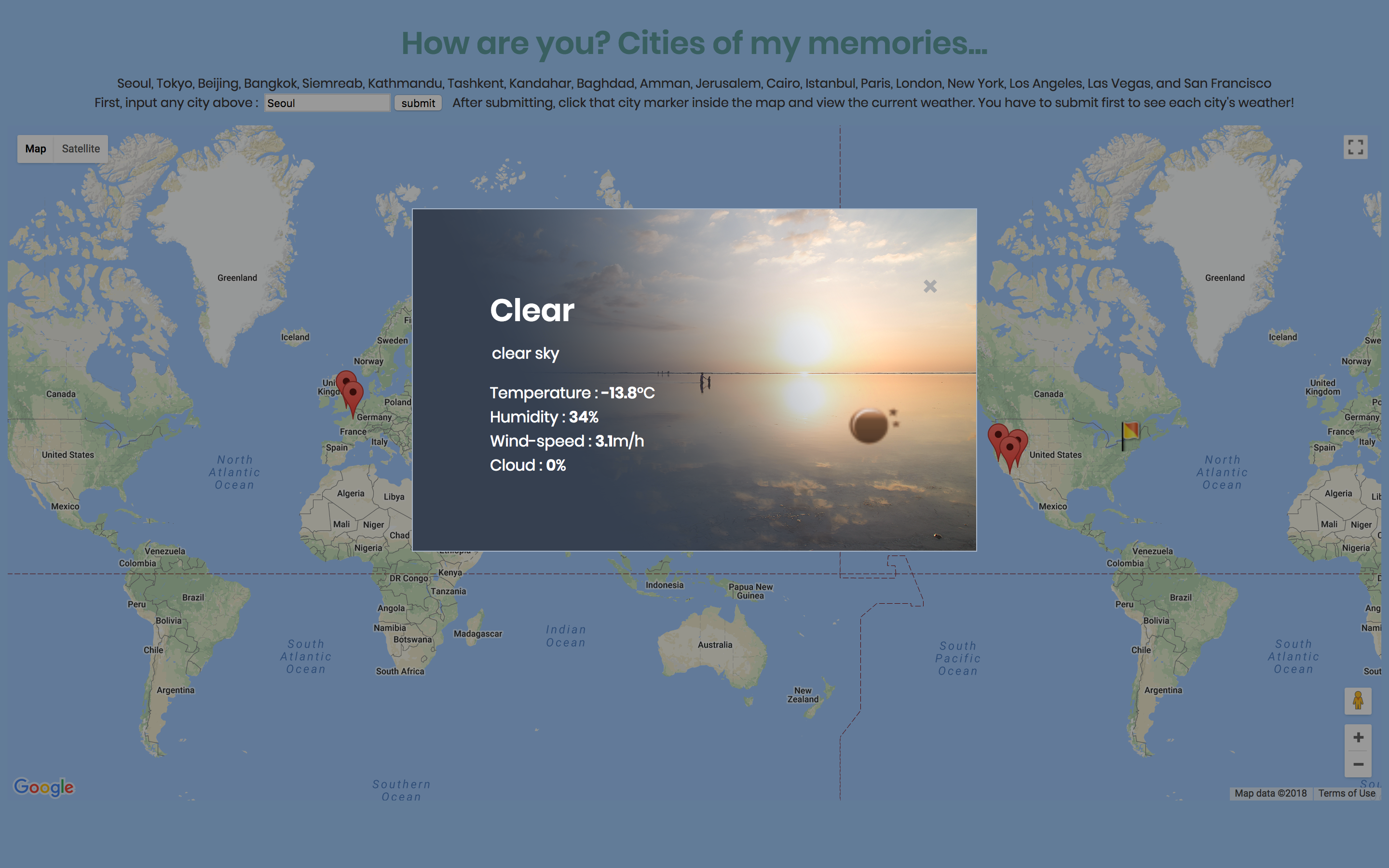
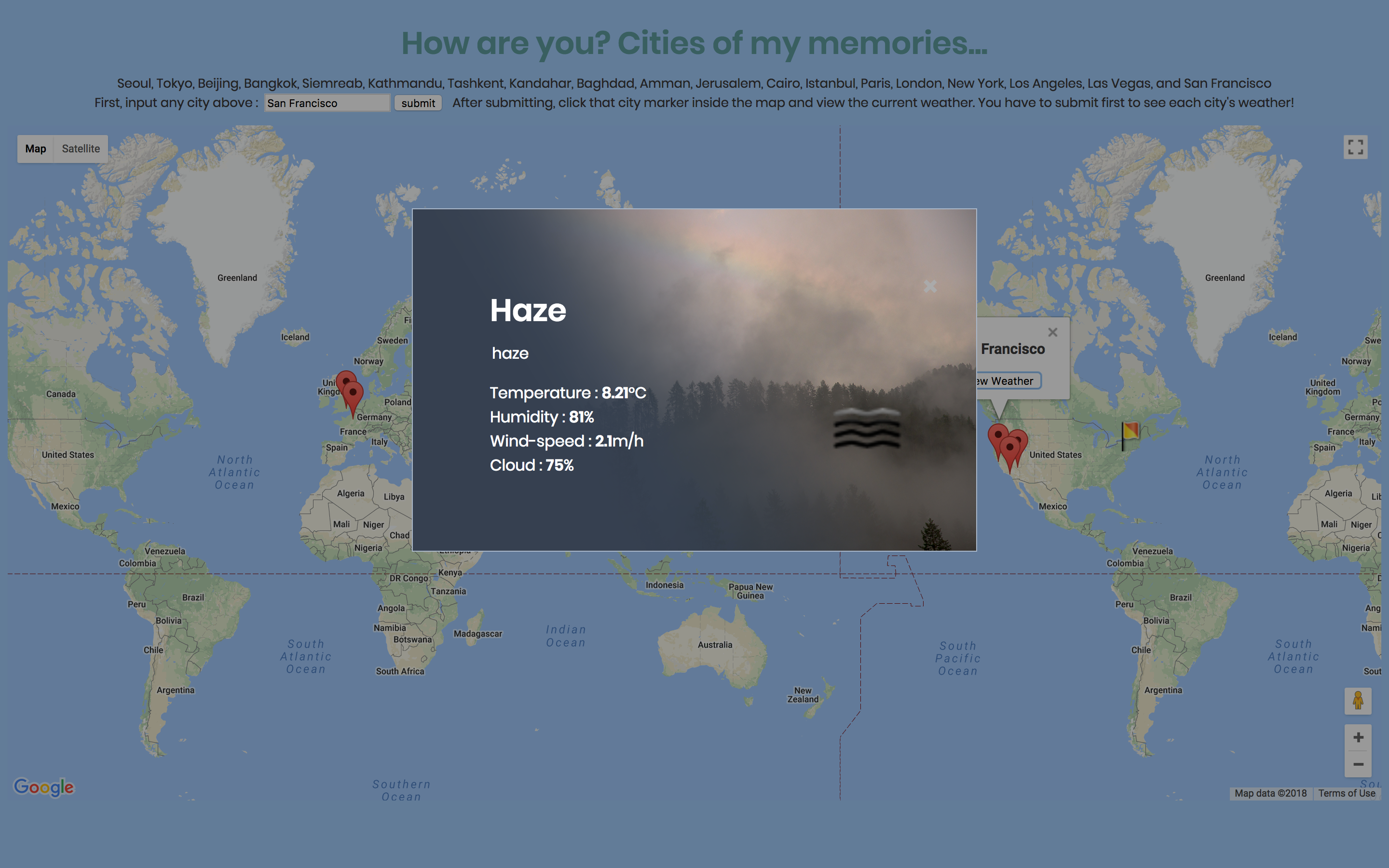
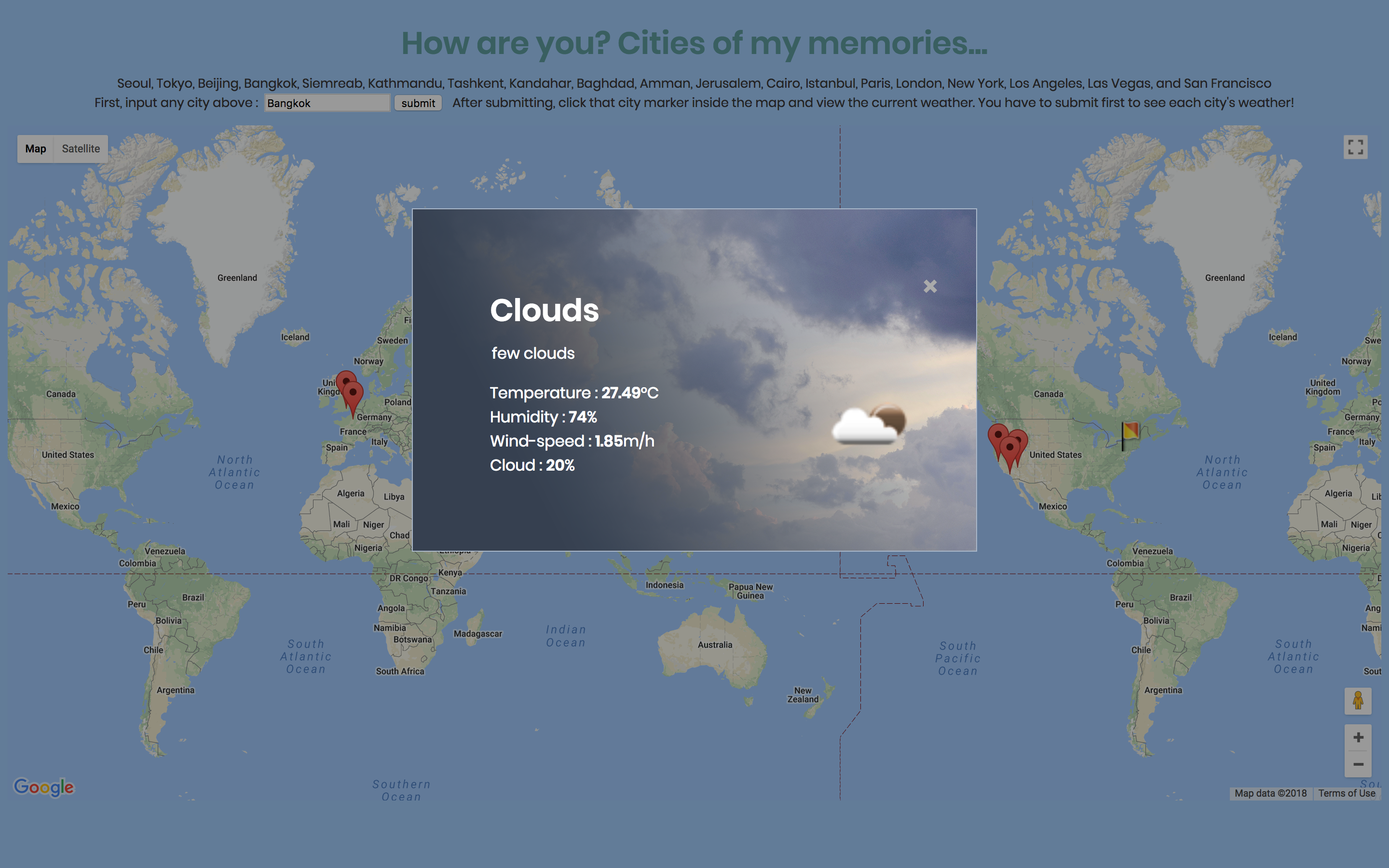
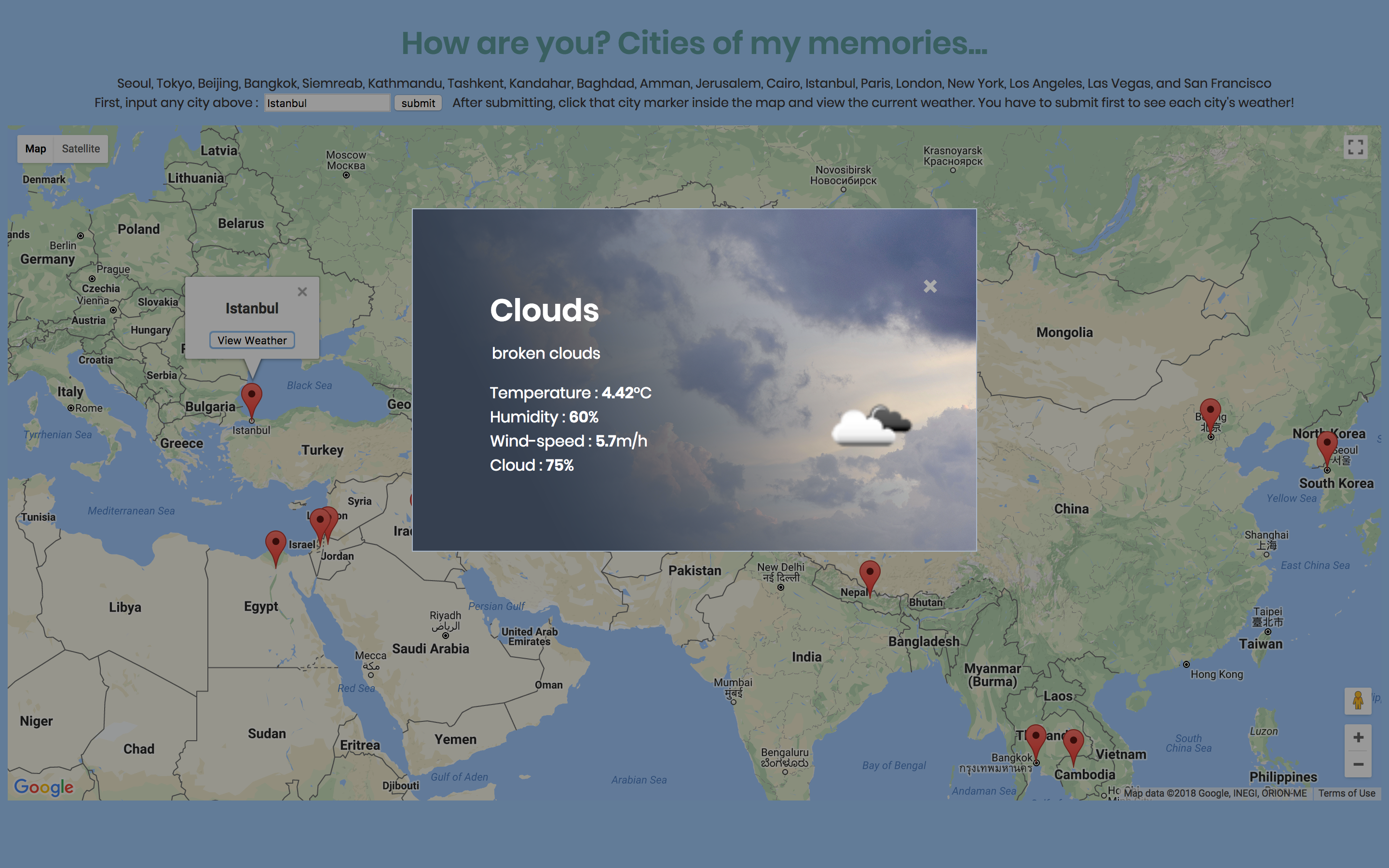
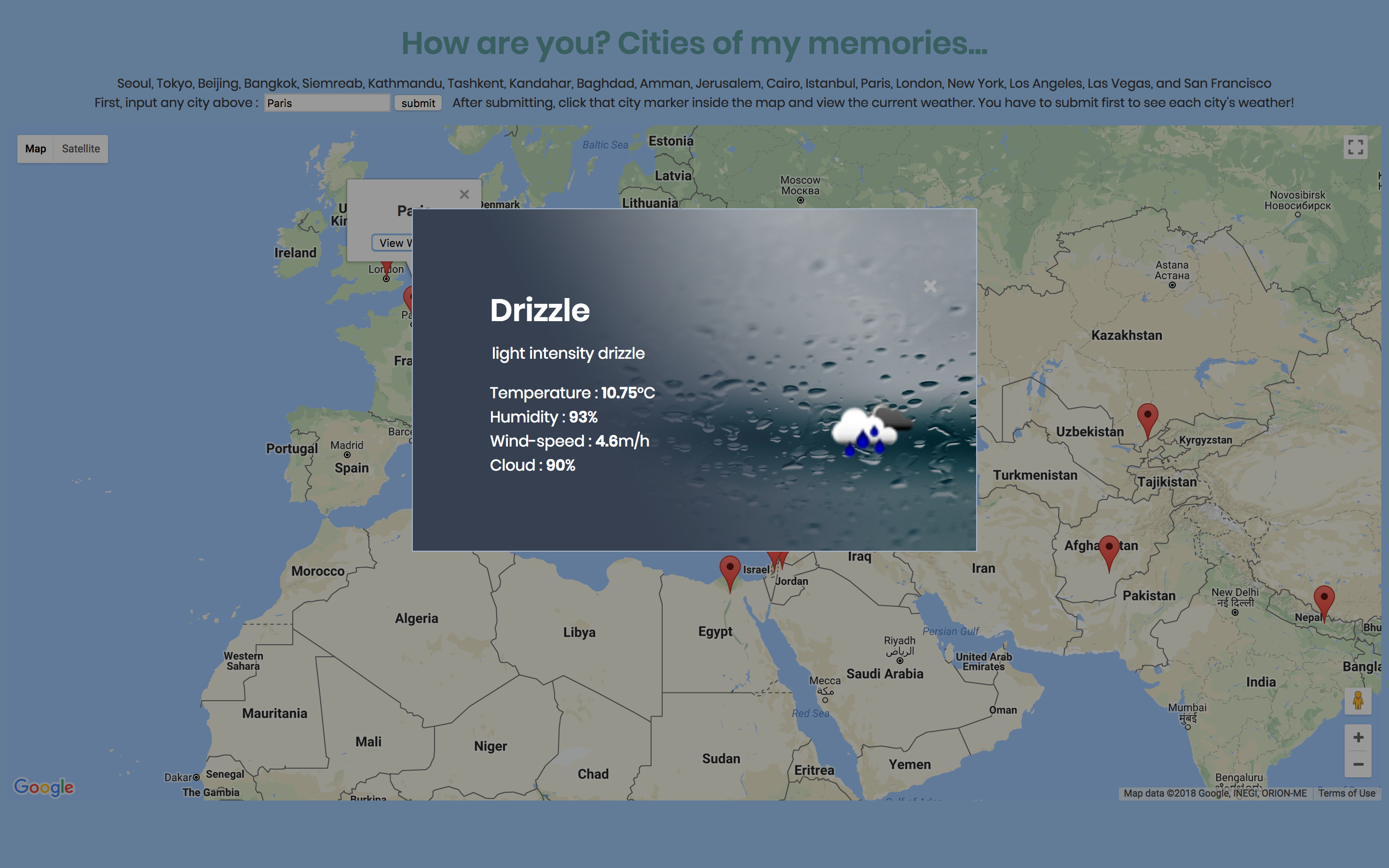
For my fourth Javascript project, I made an website uses Google Map API and OpenWeatherMap API to load content dynamically. This website contains the map and weather content of the cities I visited. Once the user picks one city among the list and inputs, then they can see the real-time weather (general, temperature, humidity, wind-speed, and cloud) by clicking the city in the map area. The information of weather including icons are called from the API, and the background images were made by myself and also called by the text.
Visit "Cities of Memories" Website!
(for the best use, Chrome browser is recommended.)
For the right use, once you hit the submit button, click the small icon with red "x" on url field and click the button "Load unsafe script." (Currently fixing this issue.)
1. Input the name of the city listed.
2. Hit the submit.
3. Click the city marker you typed in, and view current weather.
!!To view the weather of each city, you should submit that city on the top first.